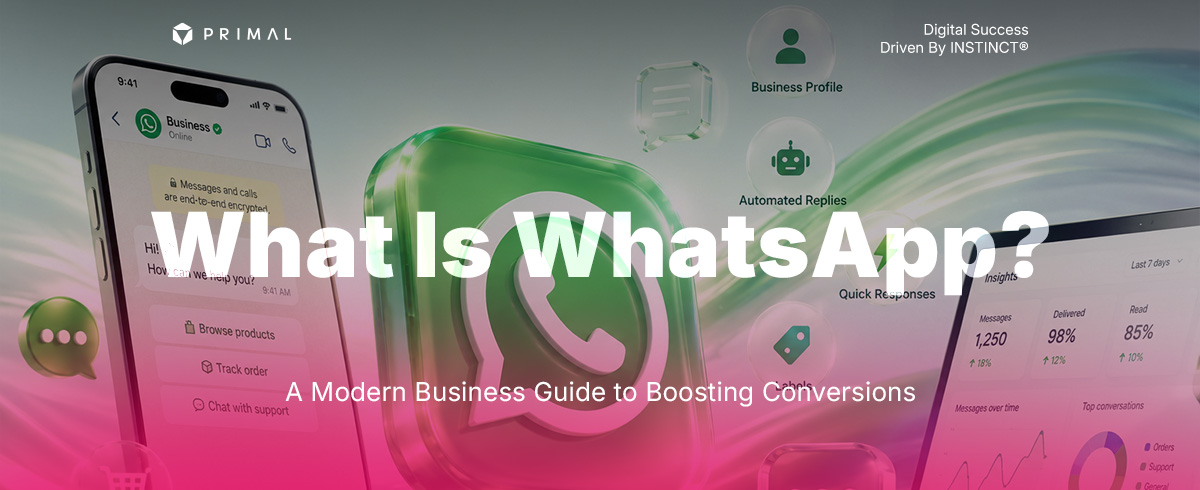

The Chat Button That Closes More Enquiries
Summarise this blog




Table of Contents
Key Takeaways
- WhatsApp is a messaging and calling application used worldwide, and signing up takes only a phone number.
- WhatsApp Business is the version built for running an online shopfront, with automated replies, customer labels and a product catalogue.
- It lets a brand talk to customers quickly, particularly customers overseas.
- Placed as a call-to-action button on the site, alongside conversion rate optimisation, it turns more visitors into customers.
- The gain comes from removing steps, not adding channels.
You spend money on advertising, get plenty of people onto the site, and nobody fills in the contact form. Making a customer work through several fields is one of the friction points that costs you the sale. Where people now expect to communicate quickly, adding an easy chat route through WhatsApp is worth taking seriously.
What follows covers what WhatsApp is, how it works, how to get started, and how to put WhatsApp Business on a site to lift conversion rate.
WhatsApp is a platform for messaging, voice and video calls over the internet
What Is WhatsApp And Why It Is Used Everywhere
WhatsApp is a messaging, voice and video calling platform developed by Meta, available on iOS, Android and desktop at no charge. The distinctive part is registering with a phone number, so the system pulls your contacts straight from the phone book with no ID to add.
What made it popular internationally is the clean interface built around communication, no advertising interrupting the chat, and end-to-end encryption protecting privacy, which is why people and brands worldwide use it as a primary channel.
How To Use WhatsApp, The Basics
How To Sign Up For WhatsApp
- Download WhatsApp Messenger from the App Store or Google Play
- Open it and accept the terms
- Select your country and enter the mobile number you want to register
- Enter the 6-digit code sent by SMS to verify
- Set a profile name and photo to start
The basic features
- Messages and media. Go to Chats, pick a contact, and type, send images, video, PDF documents, or hold the microphone button to send a voice message.
- Calls and video. Tap the phone icon for a voice call or the camera icon for video, with no international call charge as long as there is a connection.
- Group chats. Choose New Group, add members and name it, for work or for a customer group.
- On a computer. Download WhatsApp Desktop or use the browser, then scan the QR code with Linked Devices on the phone.
What Is WhatsApp Business And How It Differs
WhatsApp Business is built for small and medium brands. It keeps all the basic features and adds marketing tools for running the shopfront properly.
The features that move revenue
- Business profile. Organisation details: brand name, logo, address, opening hours, email and site link, which builds credibility.
- Automated messages. A greeting message when a customer makes contact for the first time, and an away message outside working hours, so nobody waits.
- Quick replies. Saved answers for frequent questions, so the team sends them fast instead of retyping.
- Labels. Colour tags to sort chats: new customer, awaiting payment, paid, after-sales, so the team can follow status without losing anyone.
- Catalogue. A list of products and services with prices inside the application, so a customer can browse and ask immediately.
Lifting Conversion Rate By Connecting WhatsApp
In conversion rate optimisation, the thing that matters is cutting the steps in a customer’s decision. Bringing WhatsApp onto a landing page as the main communication route produces a measurable effect.
The visitor arrives on the page, sees the WhatsApp button, starts a conversation, and the sale closes.
Place a chat button and remove the steps
Change the contact route from a long form to a floating “Chat on WhatsApp” button in the corner of the screen, or beneath the product detail. Letting a customer talk to the team immediately reduces hesitation, improves the experience of using the site, and makes it easier to start a conversation. This is the single highest-leverage CRO change most sites can make.
Test to find what produces most
Use a heatmap to see where people look and click on the page, then A/B test the button position and the call-to-action wording, comparing something like “get advice” against “request a quote through WhatsApp”, to see which lifts conversion rate and produces most conversations.
Turn the insight into SEO and AI search content
The questions customers actually ask in the chat are genuinely valuable information. Writing those up as an FAQ page or an SEO article means modern search systems, AI search included, can pull from your site and cite it as an answer, bringing quality visits in steadily.

Let Primal Get You Found
Adding a WhatsApp button is the first step in cutting the decision short. Growing revenue needs the site structure and the marketing approach behind it to be right.
Primal plans marketing end to end. Our CRO capability analyses UX and UI and designs where a call-to-action such as WhatsApp sits, to turn visits into revenue, alongside deep search work and AI search content structured for how the algorithms now work.
Frequently Asked Questions About WhatsApp (FAQs)
| Question | Answer |
|---|---|
| Does WhatsApp Business charge a monthly fee? | The WhatsApp Business application carries no monthly fee. The basic features, a business profile, automated replies and a product catalogue, are available at no charge, which suits small and medium brands starting to use chat to open and close sales. |
| Should a brand use WhatsApp Business instead of a LINE Official Account? | They do not replace each other. Use both according to the audience. For customers in Thailand, LINE Official Account remains the main channel. For overseas customers, B2B clients or users abroad, WhatsApp Business improves the chance of closing. |
| How do several people answer from one business account? | Once registered, use Linked Devices to connect a single WhatsApp Business account to other devices such as a computer or tablet, up to 4 at once, so an admin or sales team can share the replying. |


















Join the discussion - 0 Comment